

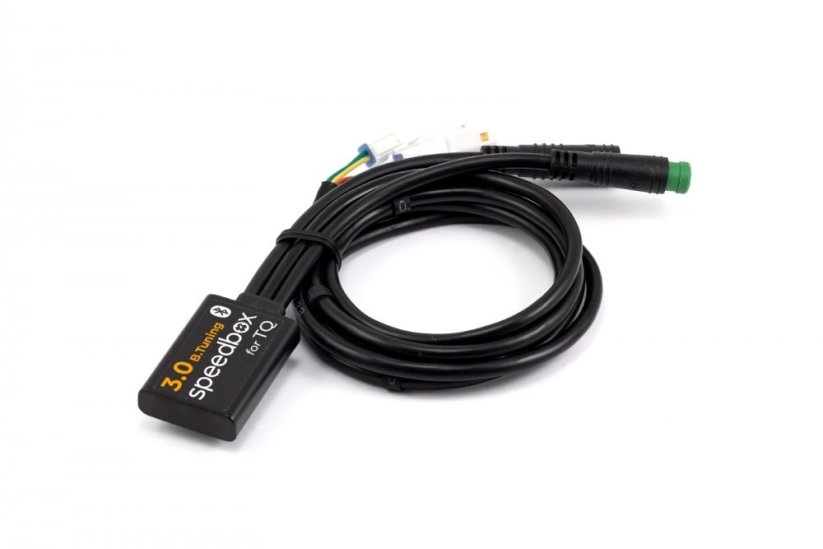
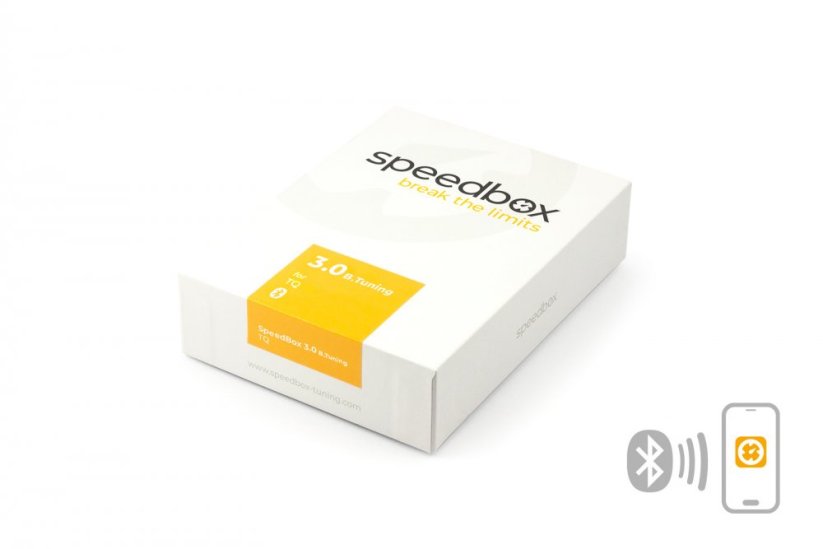
SpeedBox 3.0 B.Tuning for TQ (HPR120S, FLYON) - Package: BOX, Qty: 1 pcs




PROPERTIES:
Compatible with: SpeedBox Connect
Maximum speed: Unlimited
Display shows: Actual values
Speed limit setting: Yes
Activation:
SpeedBox Connect
Or by switching between two modes (→ ← → ←)
Compatible with:
FLYON Display
motors TQ HPR 120S
We do not recommend updating the software of the e-bike
More
Product code: SB3BT_TQ_1pcs_BOX Shipping and Payment
Key features
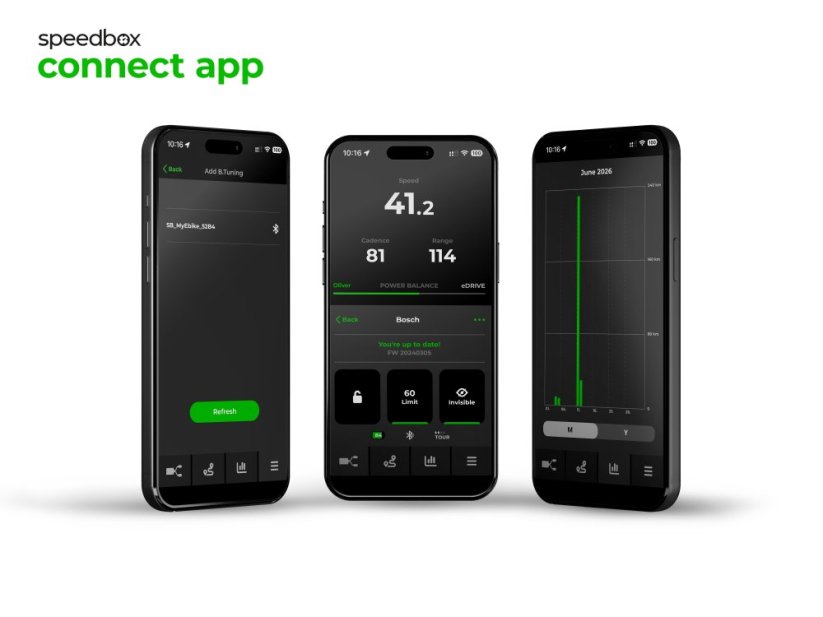
SpeedBox 3.0 B.Tuning with integrated Bluetooth is our most powerful and versatile tuning chip for e-bikes with TQ HPR 120S motors (FLYON display). It removes the 25 km/h speed limit and, thanks to the SpeedBox Connect app, offers a unique connection between the e-bike and a smartphone.

Tuning control
Switching from the 25 km/h limit to unlimited mode and back

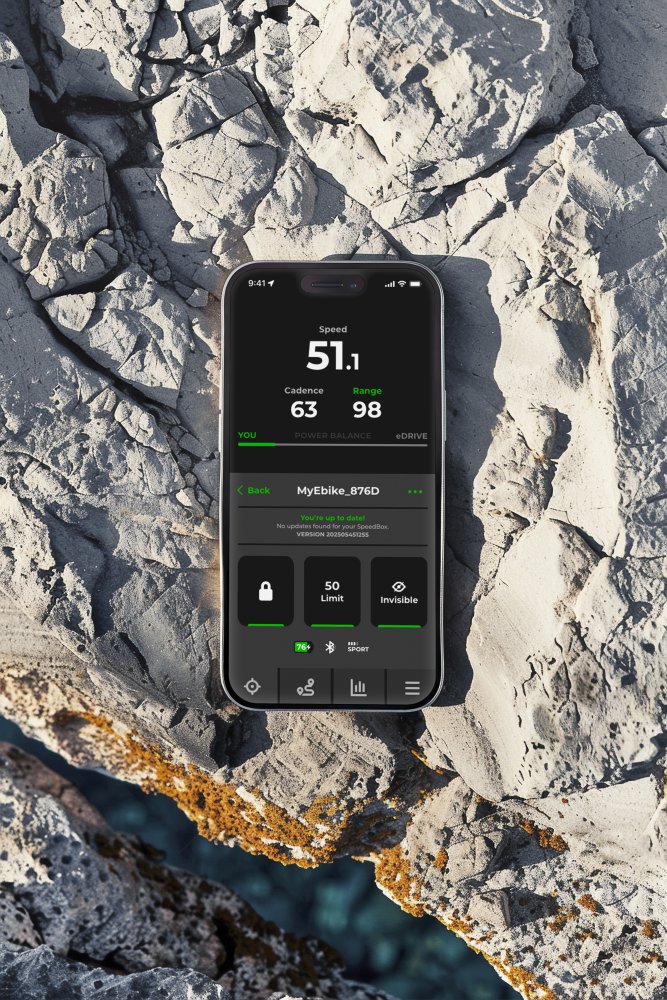
SpeedBox Connect
Connects the e-bike to a mobile phone via Bluetooth
Easy installation
Thanks to clear instructions including a video, anyone can handle the installation

Compatibility
TQ motors: HPR 120S
Displays: FLYON
Technical specifications
| Maximum speed | Unlimited |
|---|---|
| Display shows | Real-time values |
| Custom speed limit | Adjustable |
| 2 ways to activate / deactivate | Via the SpeedBox Connect app / double-switching between modes (→ ← → ←) |
| Bluetooth | Yes |
| Updates | Yes |
| Minimum mileage before installation | 10 km (new bike) |

Installation
Installing the device is easy and intuitive. Choose the option that suits you best — a video guide, a printed manual, or a detailed step-by-step picture guide.
Video guide
You can find a detailed installation and tuning activation procedure on our YouTube channel
Printed manual
Inside the product package you will find a printed manual for installing the chip
Step by step
The illustrated guide will walk you through the installation step by step — from removing the motor cover to the test ride. Each step is accompanied by photos and a clear description.
User manual →Tuning control
You can activate the tuning in the SpeedBox Connect app.
Or turn it on directly on the e-bike's control panel by double-switching between two modes — press → ← → ← in sequence.
The display will briefly show a cadence value of 99 rpm, meaning the tuning is on — from that moment you're no longer limited, and you can ride at 40 km/h, 50 km/h, or even more than 60 km/h.
You deactivate the tuning the same way.
The display will show a cadence value of 25 rpm and the 25 km/h speed limit is switched back on.
Setting a custom speed limit
You can set the maximum assistance speed by switching through the modes step by step: EXTREME → HIGH → MID → LOW → MID → HIGH → EXTREME.
The display will then show the current speed limit.
You switch the maximum assistance speed by turning the wheel about 180°.
A cadence display of 15 rpm corresponds to a 15 km/h limit, 20 rpm corresponds to 20 km/h, 25 rpm to 25 km/h, 30 rpm to 30 km/h, 99 rpm to 99 km/h, and so on.
The last displayed limit is saved after five seconds of inactivity.

Warning
- Rules for using derestricted e-bikes vary by country, so check local legislation before riding.
- SpeedBox is intended for off-road use only and you use it at your own risk.
- The manufacturer is not liable for damage caused by illegal or improper use.
- Installation may also void your e-bike warranty.
- For your safety, use appropriate protective gear and ride with maximum caution.



| Bluetooth/ SpeedBox Connect | YES |
|---|