

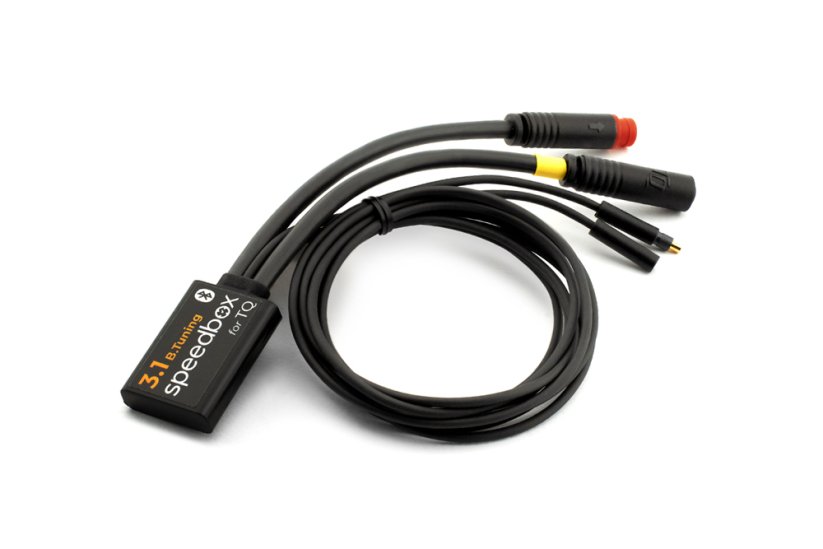
SpeedBox 3.1 B.Tuning for TQ (HPR40, HPR50, HPR60) - Package: BOX, Qty: 1 pcs
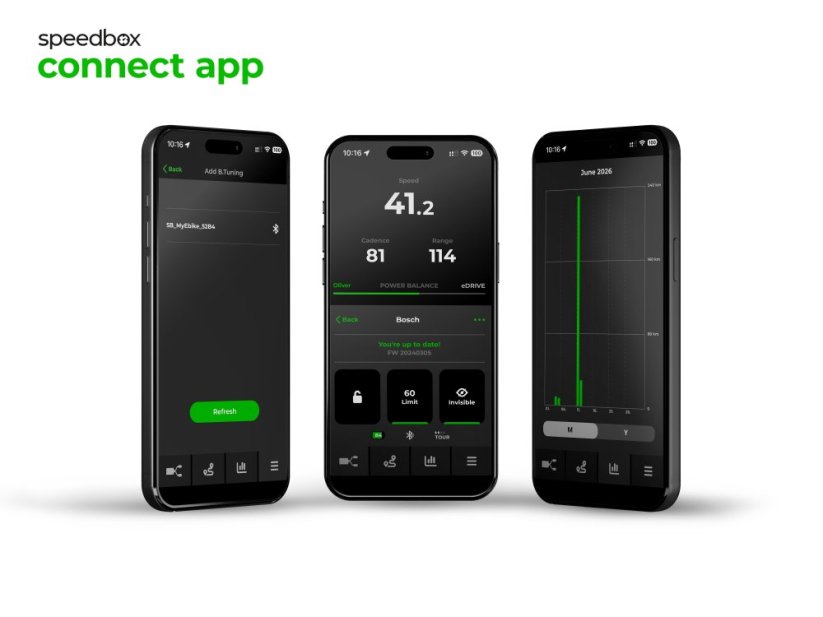




PROPERTIES:
Compatible with: SpeedBox Connect
Maximum speed: Unlimited
Display shows: Actual values
Speed limit setting: Yes
Activation:
SpeedBox Connerct or
via ↑↓↑↓ sequence or WALK + ↑↓
Compatible with:
motors TQ HPR40
motors TQ HPR50
motors TQ HPR60
We do not recommend updating the software of the e-bike
More
Product code: SB31BT_TQ_1pcs_BOX Shipping and Payment
Key features
SpeedBox 3.1 B.Tuning with integrated Bluetooth is a reliable tuning chip for e-bikes with TQ HPR40, HPR50 and HPR60 motors. It removes the 25 km/h speed limit and, thanks to the SpeedBox Connect app, offers a unique connection between the e-bike and a smartphone.

Tuning control
Switching from the 25 km/h limit to unlimited mode and back

SpeedBox Connect
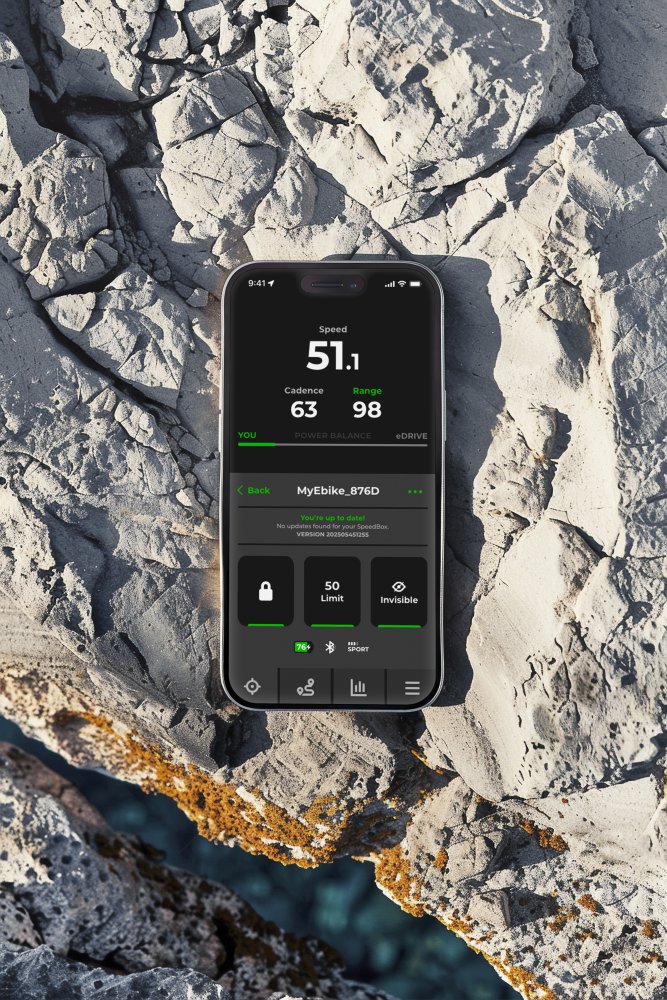
The B.Tuning version with Bluetooth connects the e-bike to a mobile phone

Easy installation
Thanks to clear instructions including a video, anyone can handle the installation

Compatibility
TQ motors: HPR40, HPR50, HPR60
Technical specifications
| Maximum speed | Unlimited (depends only on pedaling cadence) |
|---|---|
| Display shows | Real-time values |
| Custom speed limit | Adjustable |
| 3 ways to activate / deactivate | Via the SpeedBox Connect app / ↑↓↑↓ (↓↑↓↑) sequence / WALK + ↑↓ combination |
| Bluetooth | Yes |
| Updates | Yes |
| Minimum mileage before installation | 10 km (new bike) |

Installation
Installing the device is easy and intuitive. Choose the option that suits you best — a video guide, a printed manual, or a detailed step-by-step picture guide.
Video guide
You can find a detailed installation and tuning activation procedure on our YouTube channel
Printed manual
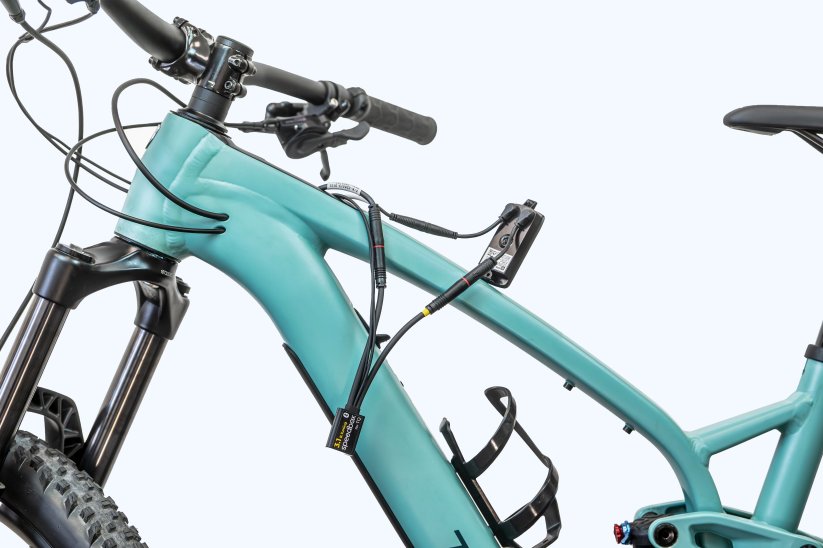
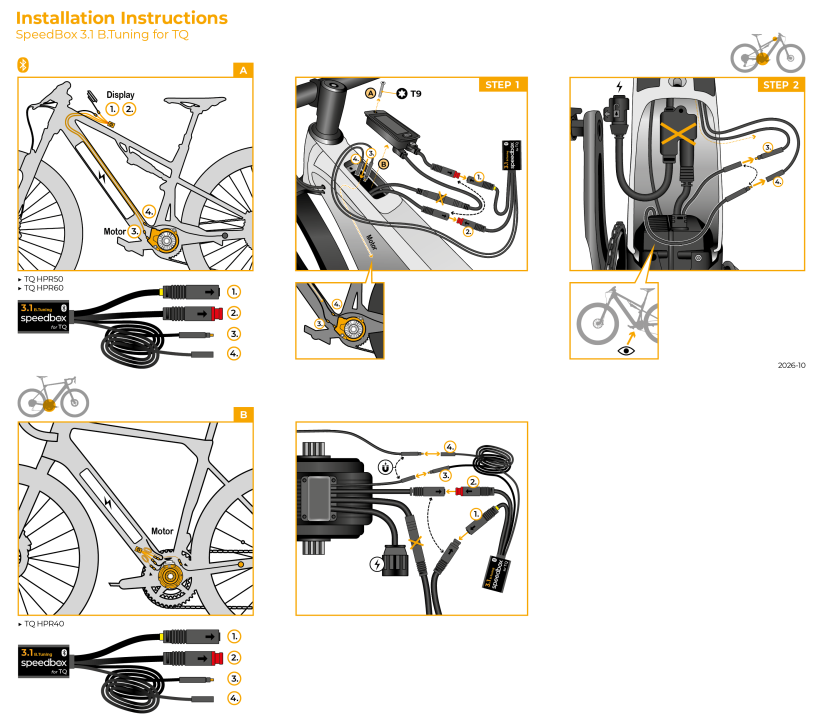
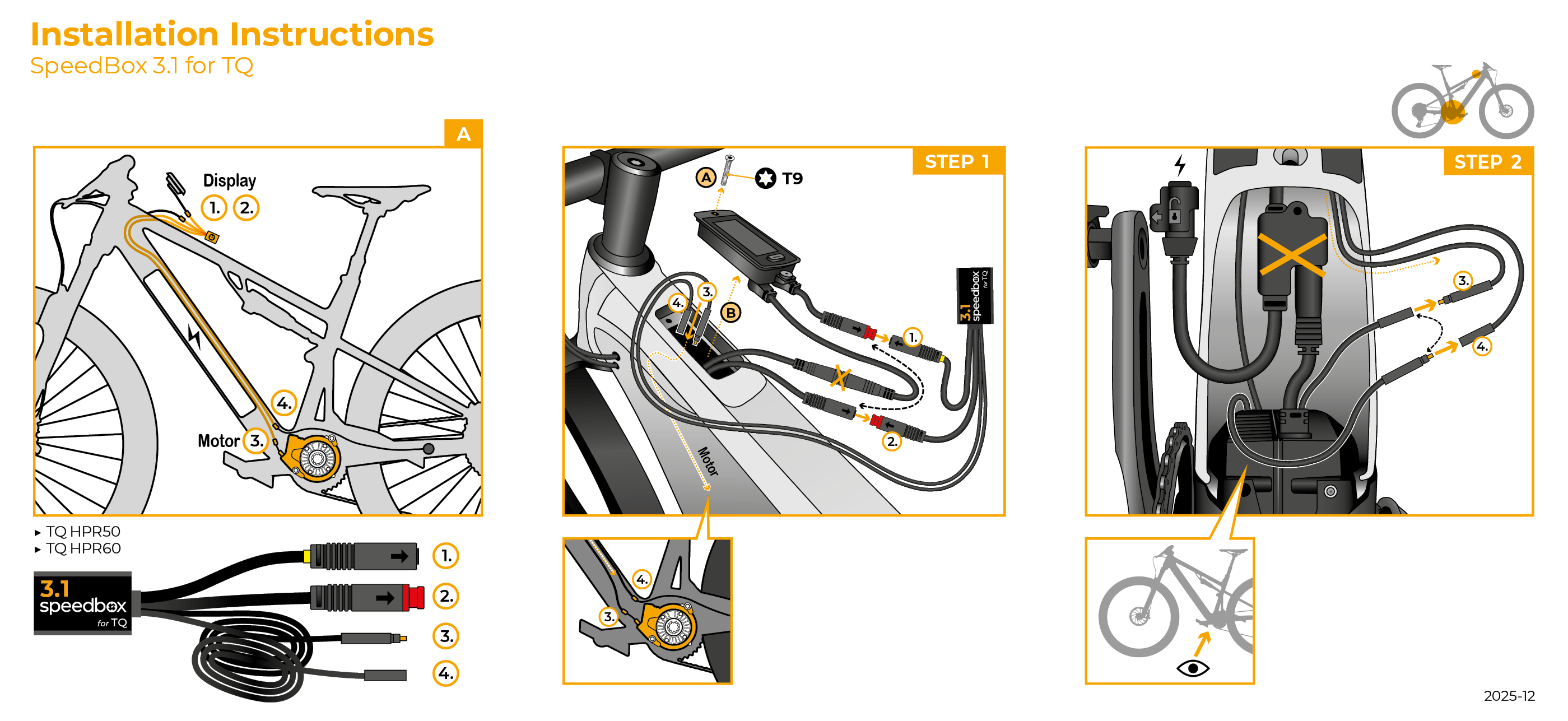
Inside the product package you will find a printed manual including a wiring diagram for connecting the chip to the motor
Step by step
The illustrated guide will walk you through the installation step by step — from removing the motor cover to the test ride. Each step is accompanied by photos and a clear description.
User manual →Tuning control
You can activate the tuning in the SpeedBox Connect app (Tuning off / Tuning on).
Or turn it on directly on the e-bike's controller with a short press of the sequence ↑↓↑↓ or ↓↑↓↑.
The display will briefly show 99 KMH, meaning the tuning is on — from that moment you're no longer limited by any speed cap, and your speed depends only on the motor's power and your pedaling cadence.
You deactivate the tuning the same way.
The display will show 25 KMH and the e-bike will return to the original 25 km/h limit.
Alternatively, you can activate or deactivate the tuning by holding the WALK button and then pressing ↑↓.
Setting a custom speed limit
SpeedBox lets you set a custom speed limit (for example, to save battery).
You can change the speed limit again in the SpeedBox Connect app.
Or on the controller, switch modes step by step using ↓↓↓ and ↑↑↑.
The display will then show the current limit.
You can change the limit by turning the rear wheel — each rotation increases the speed by 5 km/h. You can also use the WALK + ↑↓ combination to change the limit.
The last selected limit is saved automatically after 5 seconds of inactivity.

Warning
- Rules for using derestricted e-bikes vary by country, so check local legislation before riding.
- SpeedBox is intended for off-road use only and you use it at your own risk.
- The manufacturer is not liable for damage caused by illegal or improper use.
- Installation may also void your e-bike warranty.
- For your safety, use appropriate protective gear and ride with maximum caution.



| Bluetooth/ SpeedBox Connect | YES |
|---|
Pack line LTD
PositivesInstalled on : Scott Lumen Eride 900 SL TR 2024
Item arrived very quickly.
Good communication with the supplier.
Good ...More
NegativesI had to disassemble the battery (depending on the bike model) to route the cables and it took more time to install. The result is worth the effort.