
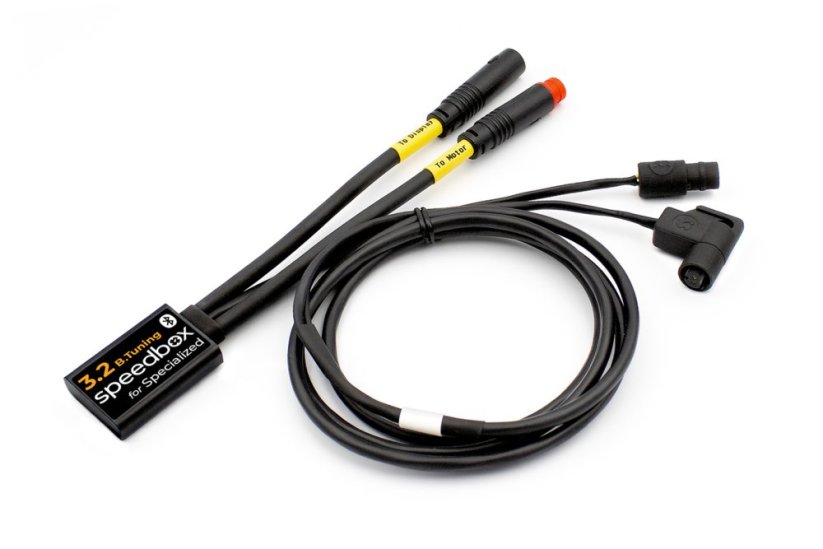
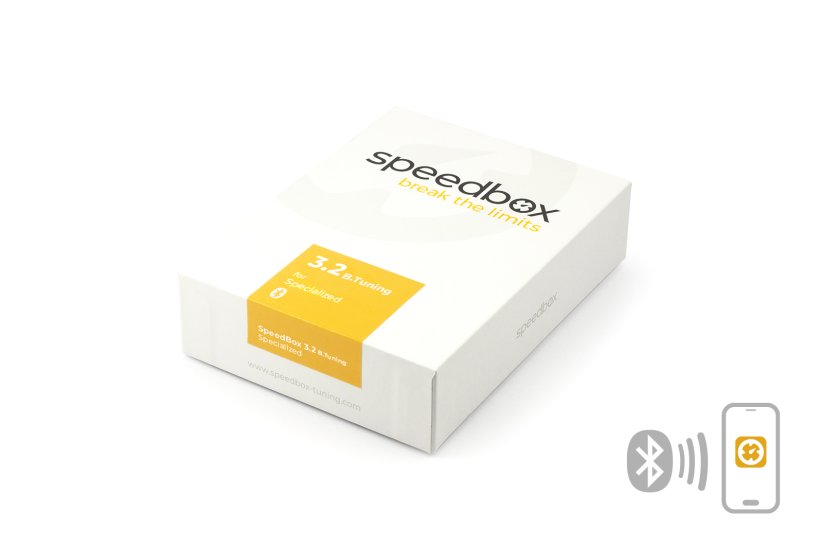
SpeedBox 3.2 B.Tuning for Specialized (Motors 3.1) - Package: BAG, Qty: 100 pcs + 16 free





PROPERTIES:
Compatible with: SpeedBox Connect
Maximum speed: unlimited
Speed limit setting: YES
Display shows: actual values
Activation/deactivation: SpeedBox Connect or by pressing the WALK button or - + - +
Compatible with motors:
Specialized 3.1 (101 Nm)
Specialized 3.1 S-Works (111 Nm)
More
Product code: SB32BT_SPE_100+16pcs_BAG Shipping and Payment
Key features
SpeedBox 3.2 B.Tuning with integrated Bluetooth is a reliable tuning chip for e-bikes with Specialized 3.1 motors. It removes the speed limit and, thanks to the SpeedBox Connect, offers unique connectivity between your e-bike and smartphone.

Tuning control
Switching the speed limit and back

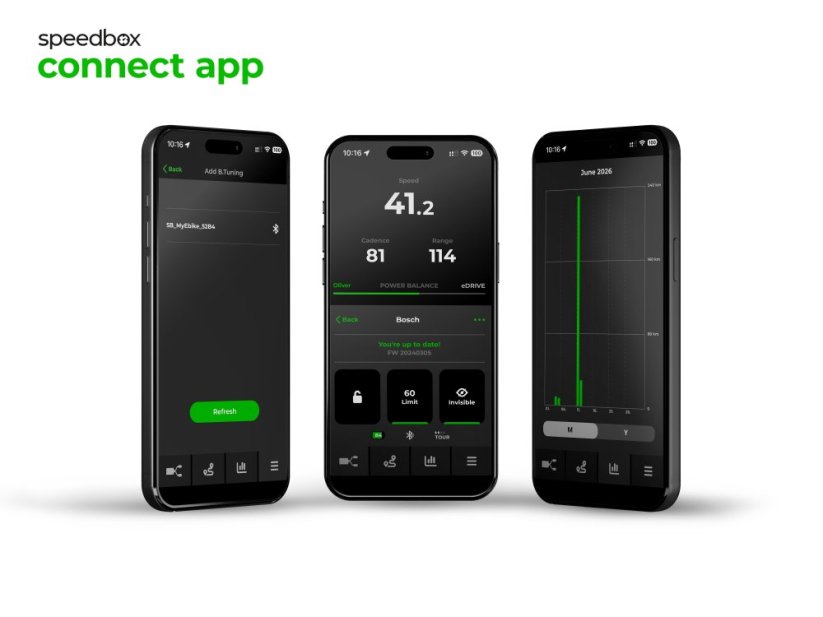
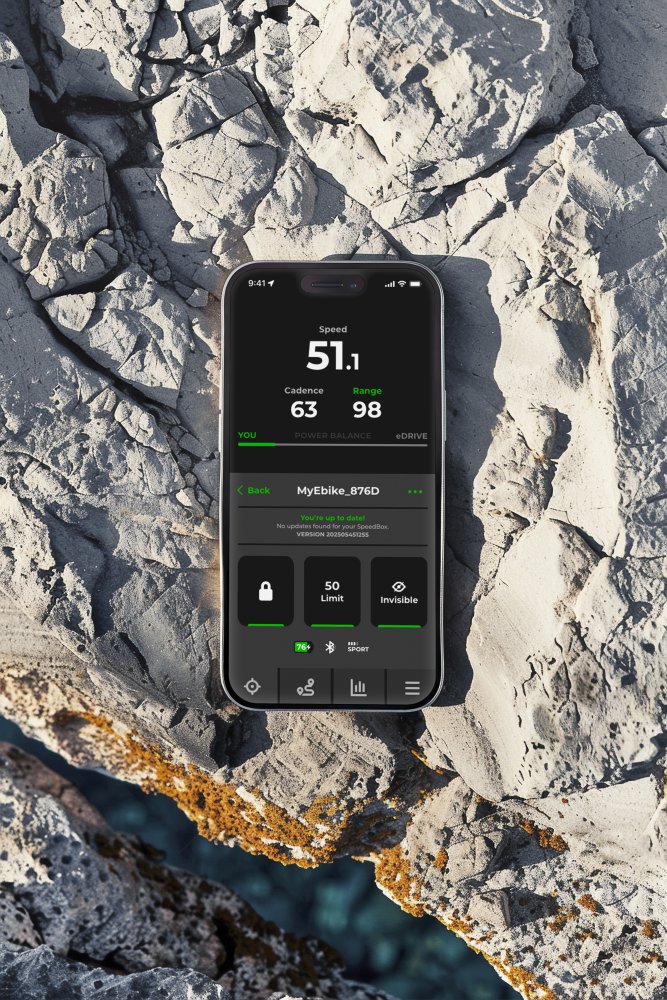
SpeedBox Connect
The B.Tuning version with Bluetooth connects your e-bike to a mobile phone

Easy installation
Thanks to clear instructions including a video, anyone can handle the installation
Compatibility
Motors: Specialized 3.1 motors (101 Nm and 111 Nm S-Works)
App: SpeedBox Connect
Technical specifications
| Maximum speed | 35 km/h by default (adjustable) |
|---|---|
| Display shows | Real values |
| 3 Activation / deactivation methods | Via SpeedBox Connect, WALK button, or buttons - + - + |
| Custom speed limit | Adjustable in 5 km/h increments |
| Updates | Yes |
| Bluetooth | Yes |
| Minimum mileage before installation | 10 km (new bike) |


Installation
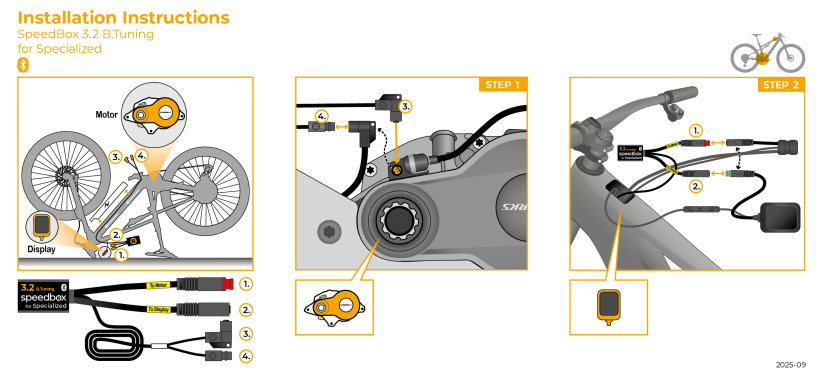
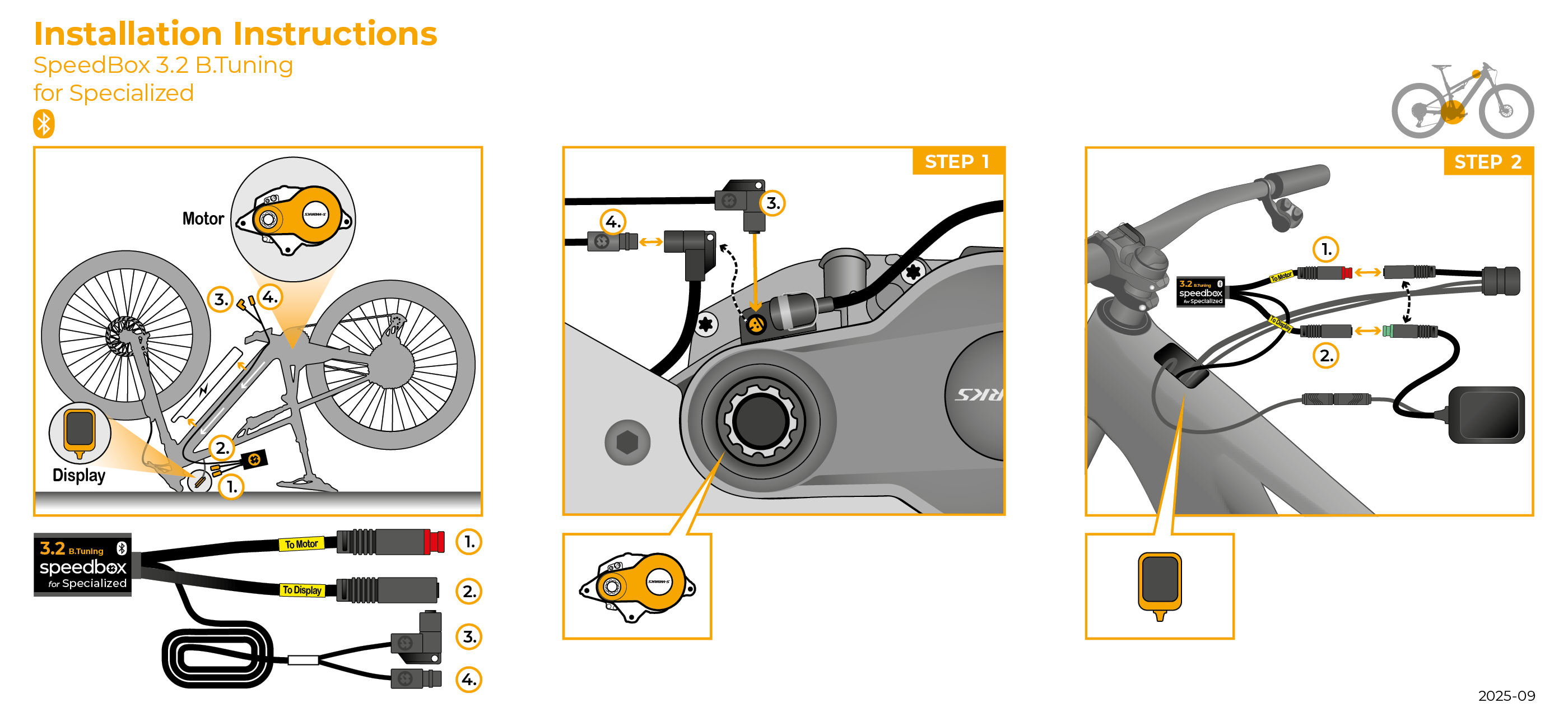
Installing the device is easy and intuitive. Choose the option that suits you best – a video guide, a printed manual, or a detailed step-by-step picture guide.
Video guide
You can find a detailed installation and tuning activation procedure on our YouTube channel
Printed manual
Inside the product package you will find a printed manual including a wiring diagram for connecting the chip to the motor
Step by step
The illustrated guide will walk you through the installation step by step. Each step is accompanied by photos and clear explanations.
User Manual →
Warning
- Rules for using derestricted e-bikes vary by country, so check local legislation before riding.
- SpeedBox is intended for off-road use only and you use it at your own risk.
- The manufacturer is not liable for damage caused by illegal or improper use.
- Installation may also void your e-bike warranty.
- For your safety, use appropriate protective gear and ride with maximum caution.



| Bluetooth/ SpeedBox Connect | YES |
|---|
Ruben Rocha
PositivesExcellent produit, fonctionne très bien et assez simple à installer
Negatives
Related products4

SpeedBox Tracker for Brose/Specialized
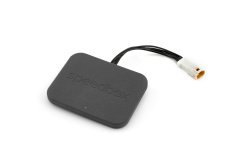
SpeedBox Tracker ToDrive
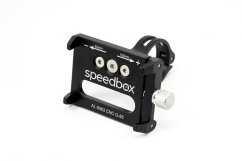
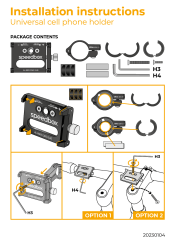
Universal Cell Phone Holder