
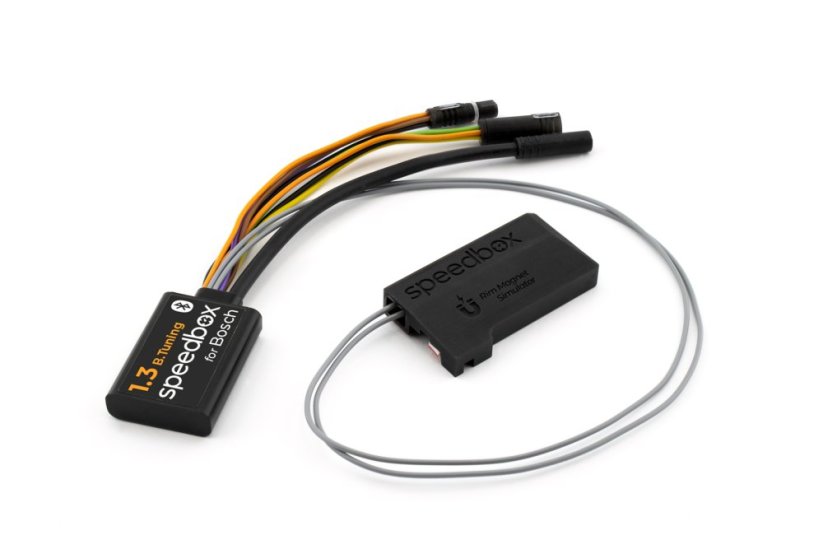
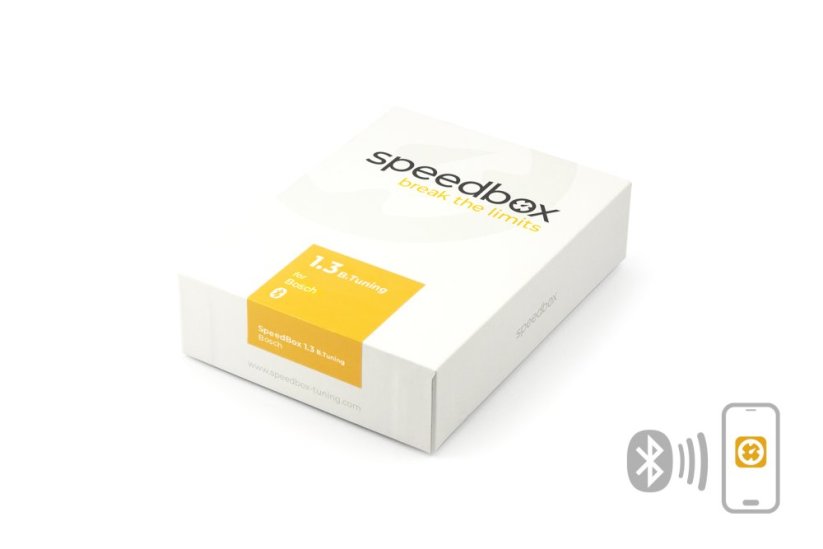
SpeedBox 1.3 B.Tuning for Bosch (Smart System Gen.4 + Rim Magnet) - Package: BOX, Qty: 1 pcs





Unlock the 25 km/h limit of your e-bike!
Tuning chip for Bosch 4th generation motors with Rim Magnet
Bluetooth • SpeedBox Connect
Compatibility
Performance Line CX / CX Race / Speed motors
View overview of supported software versions
More
Product code: SB13BT_B_1pcs_BOX Shipping and Payment
Key features
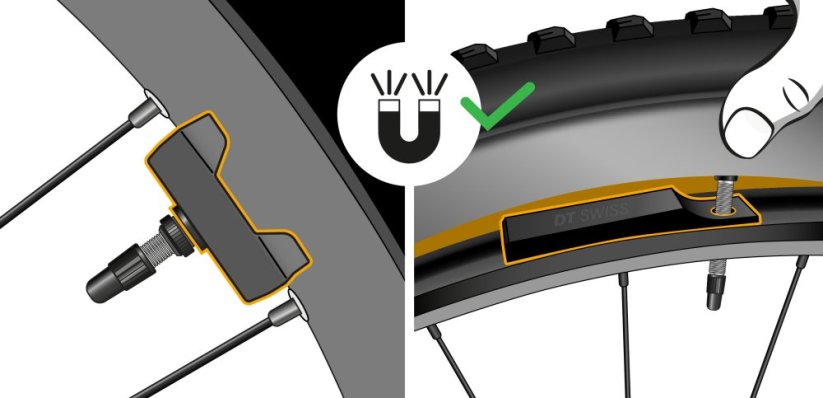
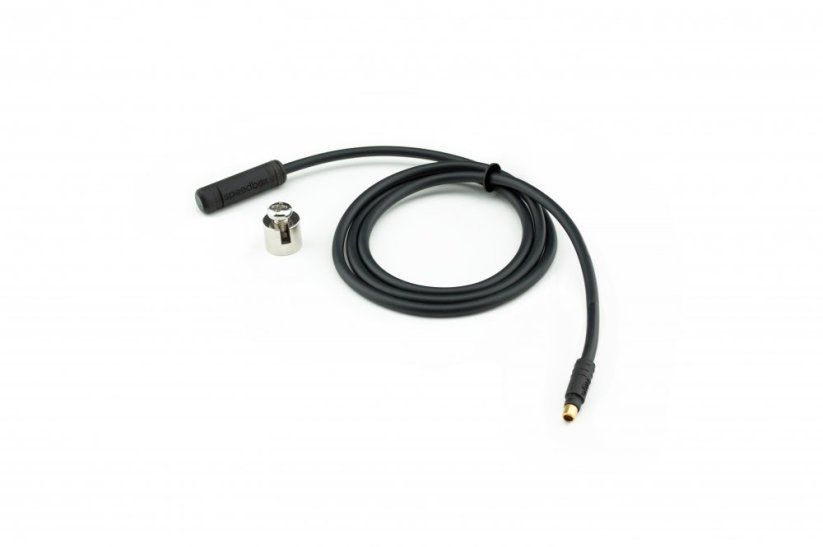
SpeedBox 1.3 B.Tuning with integrated Bluetooth is a tuning chip for e-bikes with Bosch Smart System 4th generation motors and a magnet mounted on the rear wheel valve. It removes the 25 km/h speed limit and, thanks to the SpeedBox Connect, offers unique connectivity between your e-bike and smartphone.

Tuning control
Switching from the 25 km/h limit to unlimited mode and back

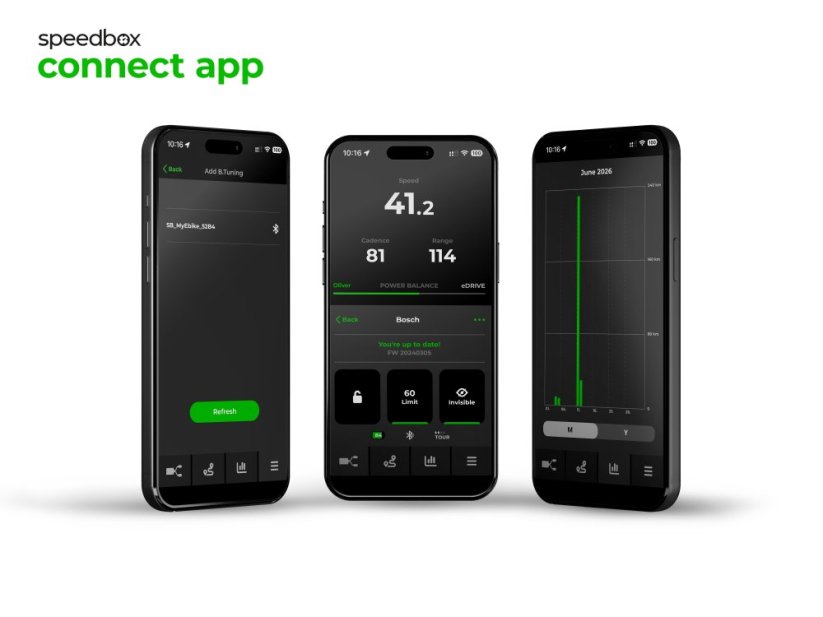
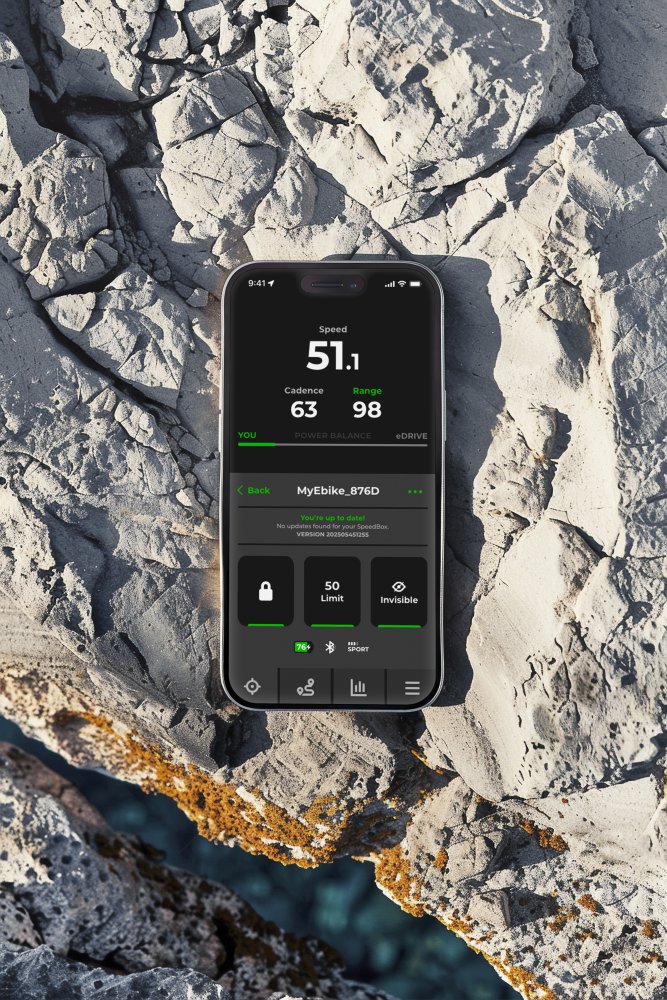
SpeedBox Connect
The B.Tuning version with Bluetooth connects your e-bike to a mobile phone

Easy installation
Thanks to clear instructions including a video, anyone can handle the installation/p>
Compatibility
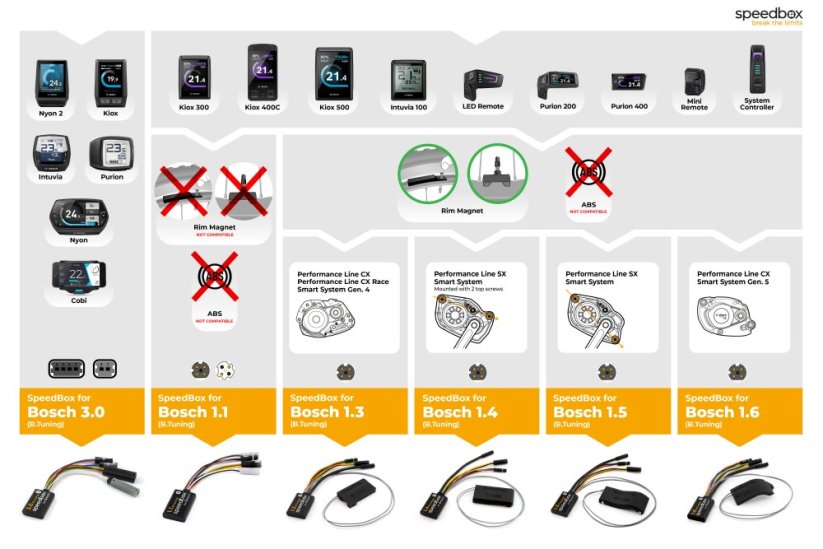
Motors: Performance Line CX / CX Race / Speed (with Rim Magnet)
Displays: DKiox 300, Kiox 500, Intuvia 100, Purion 200, Purion 400
Units: LED Remote, Mini Remote, System Controller
Not compatible with: 5th gen. and SX motors, ABS system, spoke magnet, Enviolo Automatiq
Technical specifications
| Maximum speed | Factory preset 35 km/h (EU) / 22 mph (US). Do not change the speed limit.* |
|---|---|
| Display shows | Values approx. 10 km/h lower than the actual speed |
| 3 activation / deactivation | SpeedBox Connect / WALK function / + - + - buttons |
| Custom speed limit | Adjustable |
| Bluetooth | Yes |
| Updates | Yes |
| Minimum mileage before installation | 10 km (new bike) |

Installation
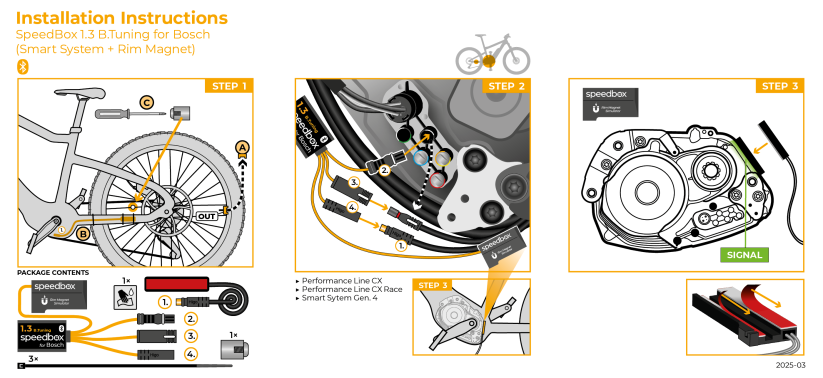
Installing the device is easy and intuitive. Choose the option that suits you best – a video guide, a printed manual, or a detailed step-by-step picture guide.
Video guide
You can find a detailed installation and tuning activation procedure on our YouTube channel
Printed manual
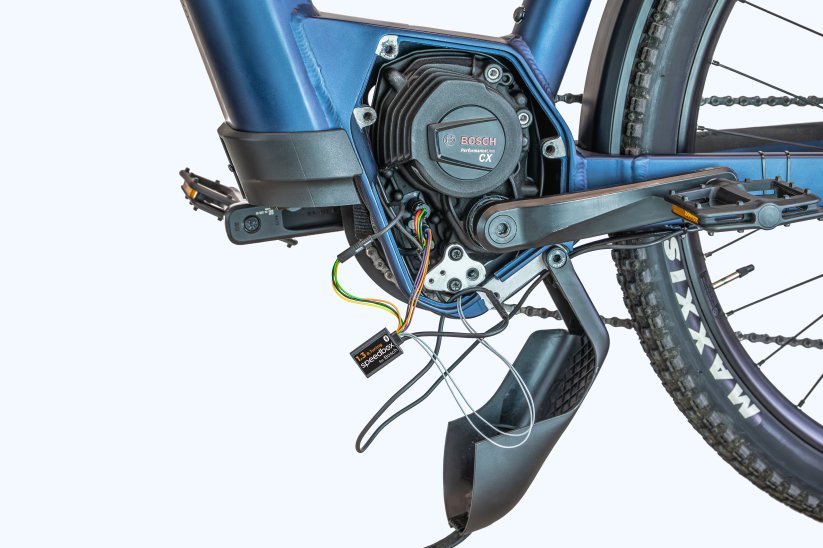
Inside the product package you will find a printed manual including a wiring diagram for connecting the chip to the motor
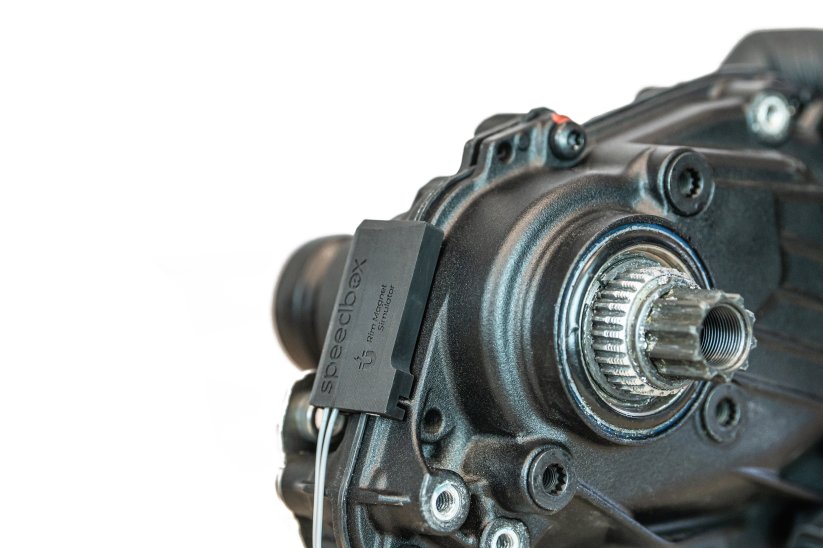
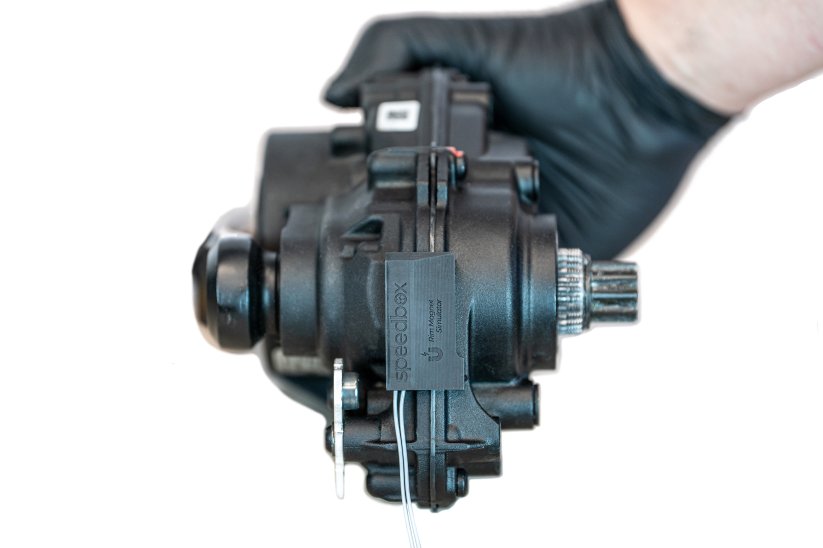
Step by step
The illustrated guide will walk you through the installation step by step — from removing the motor cover to the test ride. Each step is accompanied by photos and clear explanations.
User manual →Recommendations for trouble-free SpeedBox operation
- Keep the e-bike turned on after each ride until the “Countdown” (distance recalculation) is completed.
- During short stops, keep one foot on the pedal to prevent the countdown from starting.
- During longer stops, allow at least part of the countdown process to complete.
- Do not disconnect the display before the countdown is finished.
- Do not perform software updates – disable automatic updates.
- Always activate/deactivate tuning before or after the ride, not during.
- Do not increase the set maximum speed of 35 km/h.
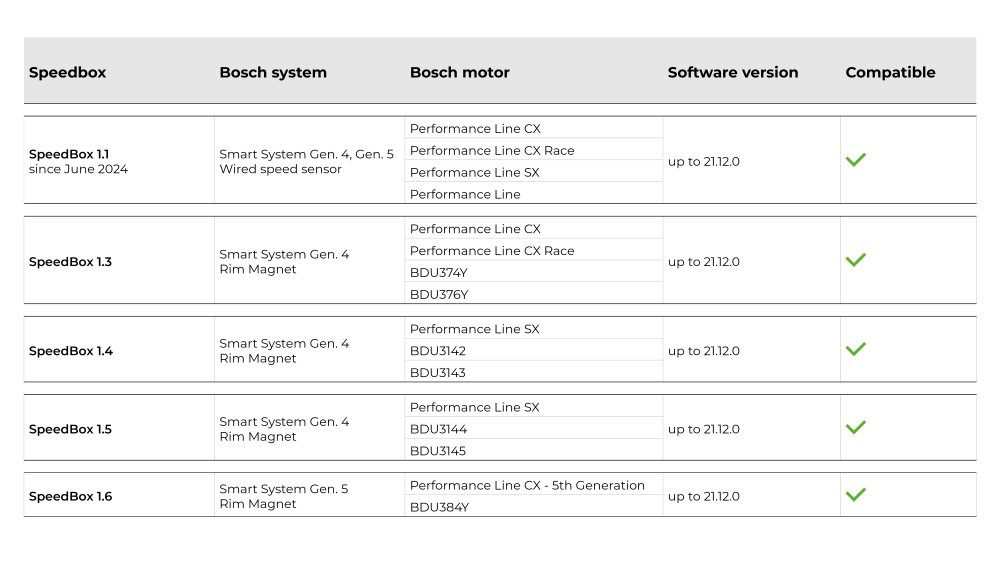
Overview of supported software versions:
Click the image below to view the complete compatibility chart.

Warning
- Rules for using derestricted e-bikes vary by country, so check local legislation before riding.
- SpeedBox is intended for off-road use only and you use it at your own risk.
- The manufacturer is not liable for damage caused by illegal or improper use.
- Installation may also void your e-bike warranty.
- For your safety, use appropriate protective gear and ride with maximum caution.



| Bosch Motor |  |
|---|---|
| Bluetooth/ SpeedBox Connect | YES |
Laco
PositivesInštalácia 06. 2025 v servise
NegativesOd tohto dátumu už 4x sa zablokoval motor či je čip aktivovaný alebo nie to mu je jedno. V kopcovitom teréne ak sa ti to stane si v háji ako sa to sta ...More
Chester
PositivesI initially liked the product. It was good quality, easy to install, and worked effectively for some time.
NegativesI had to remove it because it got stuck two or three times.
Andreas Brett-Scheurich
Positivesschnelle Lieferung alles Gut
NegativesEinbauanleitung
Related products3
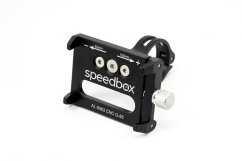
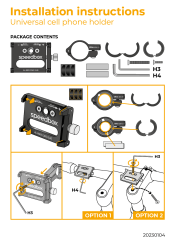
Universal Cell Phone Holder


SpeedBox ChainCare Pro