
SpeedBox 3.3 B.Tuning for Yamaha (PW-X3, PW-S2, PW-XM) - Package: BOX, Qty: 20 pcs + 3 free
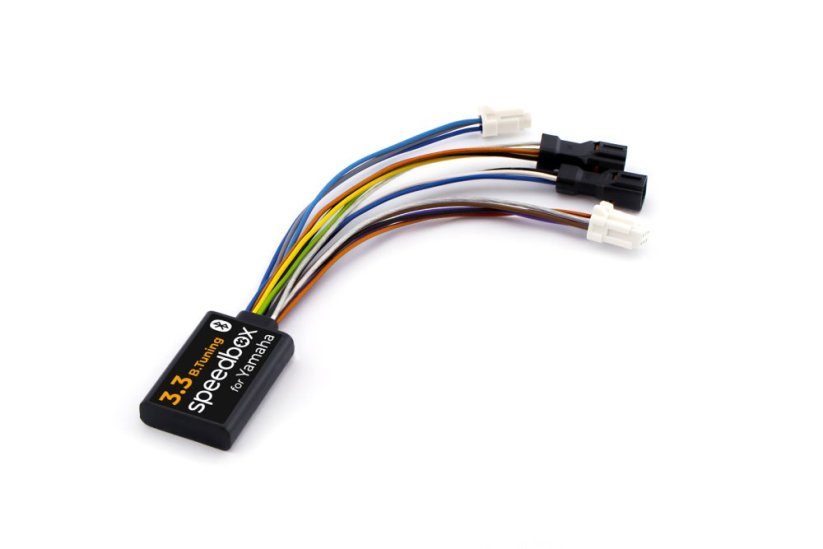
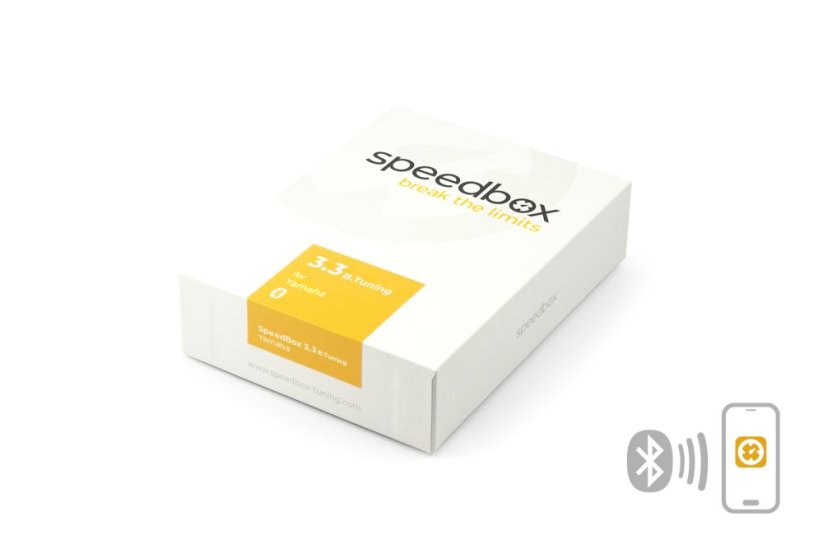




Tuning chip for e-bikes with Yamaha motors
Unlock the 25 km/h speed limit and use the full potential of your e-bike!
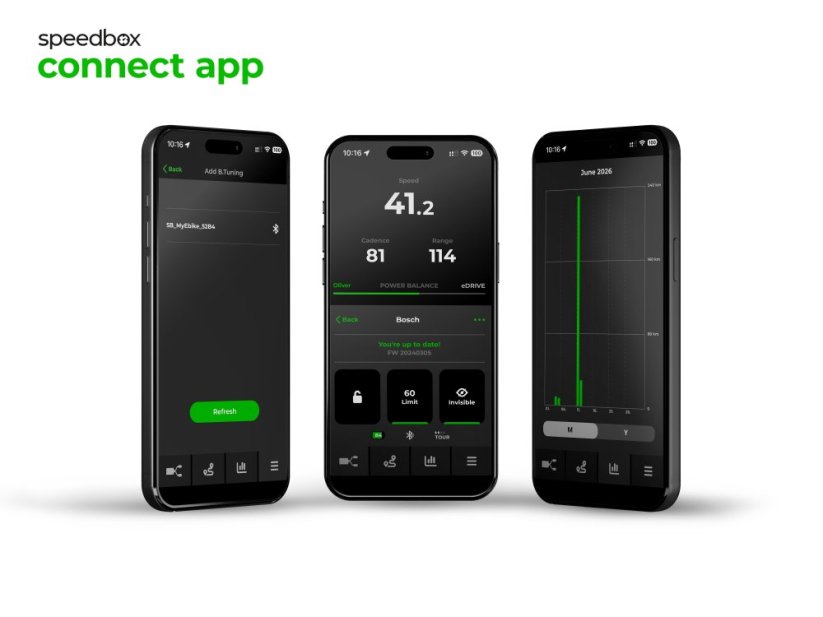
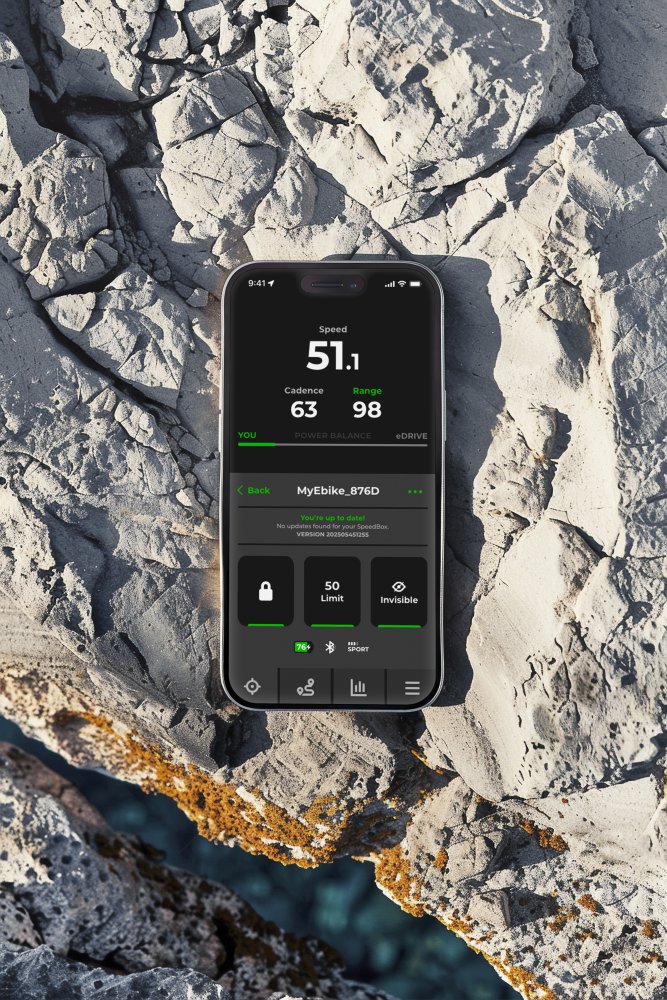
Bluetooth • SpeedBox Connect
COMPATIBILITY
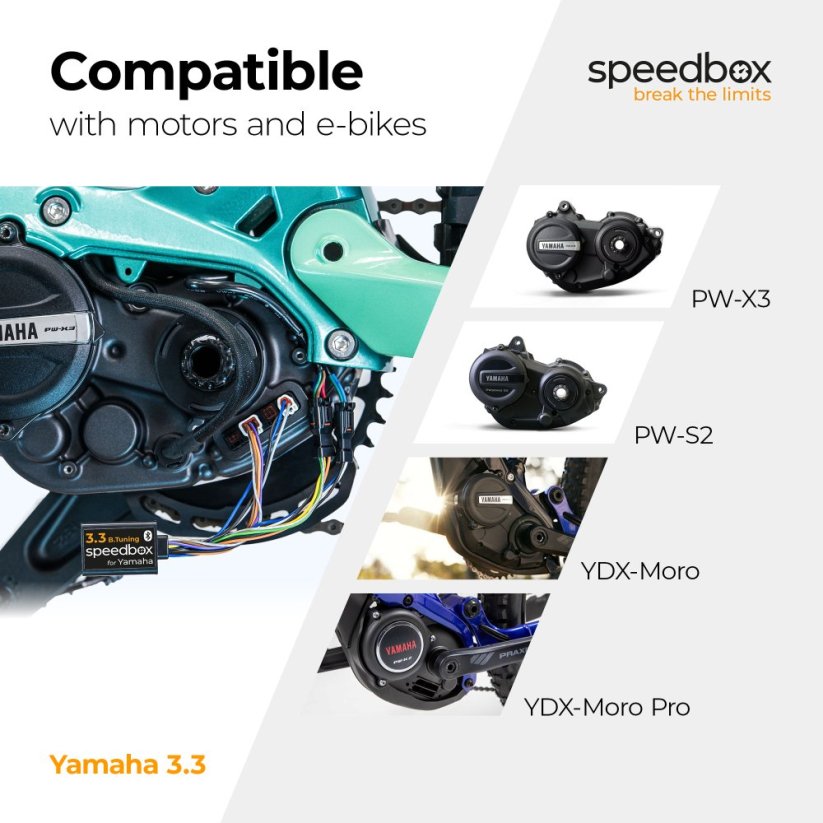
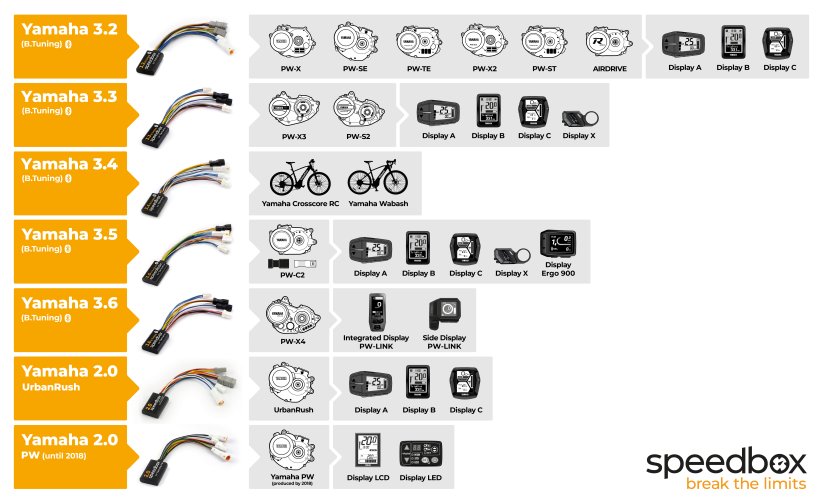
• Motors: PW-X3, PW-S2, PW-XM
• Yamaha e-bikes: YDX-Moro 05, Moro 07, BOOSTER Easy
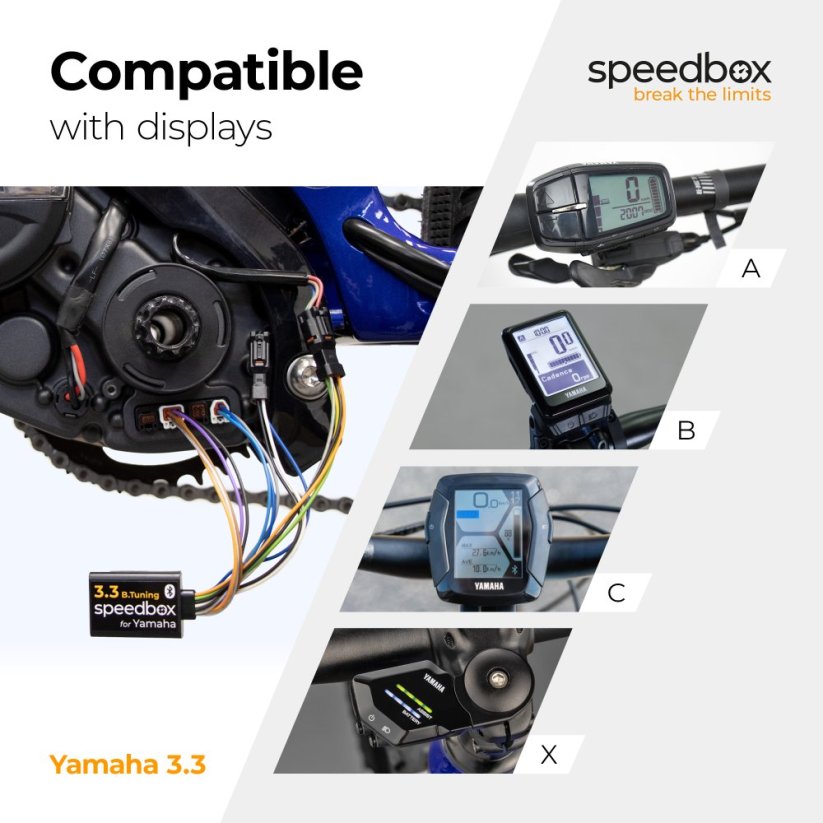
• Displays: A, B, C, X
• App: SpeedBox Connect
More
Product code: SB33BT_Y_20+3pcs_BOX Shipping and Payment
Key features
SpeedBox 3.3 B.Tuning with integrated Bluetooth is a reliable tuning chip for e-bikes with Yamaha PW-X3, PW-S2 or PW-XM motors. It removes the 25 km/h speed limit and, thanks to the SpeedBox Connect, offers unique connectivity between your e-bike and smartphone.

Tuning control
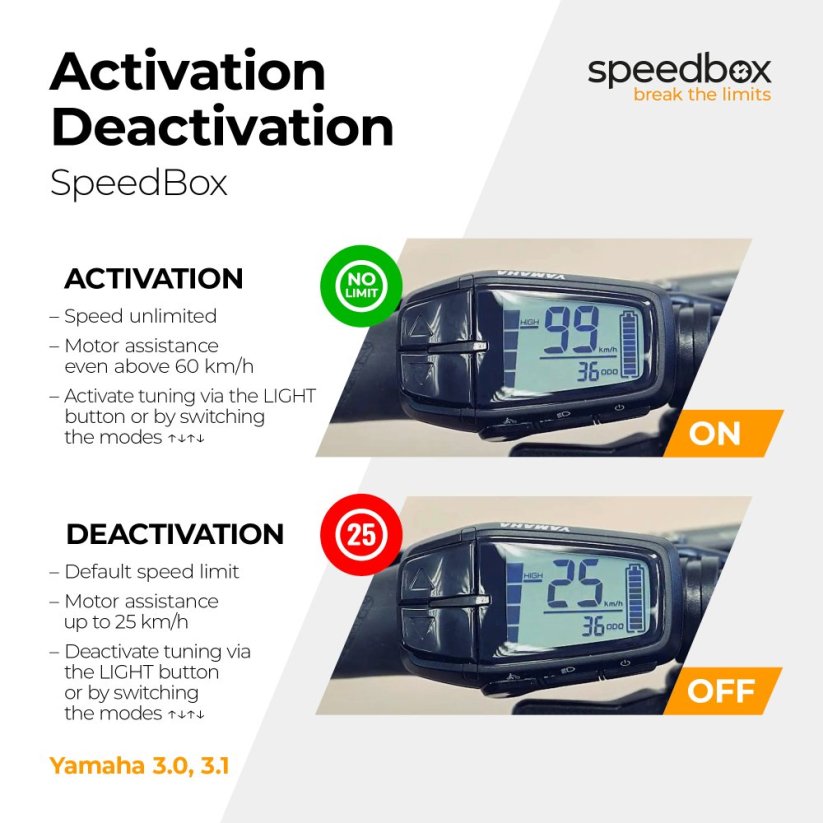
Switching between the 25 km/h speed limit and unlimited mode

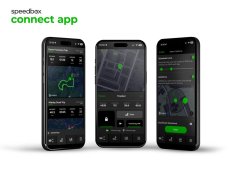
SpeedBox Connect
The B.Tuning version with Bluetooth connects your e-bike to your mobile phone

Easy installation
Thanks to clear instructions including video guides, anyone can install it themselves

Compatibility
Yamaha motors: PW-X3, PW-S2, PW-XM
Displays: A, B, C, X
Compatible with: SpeedBox Tracker
Not compatible with e-bikes: UrbanRush, CrossCore, CrossConnect, Wabash, YDX-Torc
Technical specifications
| Maximum speed | Unlimited (depends only on pedaling cadence) |
|---|---|
| Display shows | Real values |
| Custom speed limit | Adjustable |
| 3 activation / deactivation methods | SpeedBox Connect / LIGHTS button / ↑↓↑↓ buttons |
| Bluetooth | Yes |
| Updates | Yes |
| Minimum mileage before installation | 10 km (new bike) |

Installation
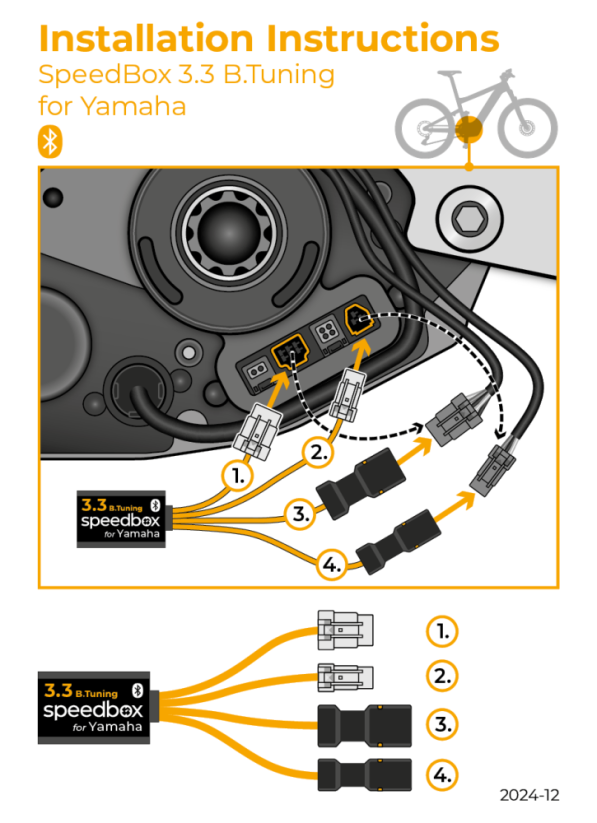
Installing the device is easy and intuitive. Choose the option that suits you best – a video guide, a printed manual, or a detailed step-by-step picture guide.
Video guide
A detailed installation and tuning activation guide is available on our YouTube channel
Printed manual
The product package includes a printed manual, including a wiring diagram showing how to connect the chip to the motor
Step by step
The picture guide walks you through the installation point by point — from removing the motor cover to the test ride. Each step includes a photo and a clear description.
User manual →
Warning
- Rules for using derestricted e-bikes vary by country, so please check your local legislation before riding.
- SpeedBox is intended for off-road use only and you use it at your own risk.
- The manufacturer is not liable for damages caused by illegal or improper use.
- Installation may also void your e-bike warranty.
- For your safety, use appropriate protective gear and ride with maximum caution.



| Bluetooth/ SpeedBox Connect | YES |
|---|
David HANSER
PositivesFacile a installer
NegativesAucune différance sur mon Yamaha Booster déçus
Piotr Straszewicz
PositivesŁatwy bezproblemowy montaż "plug and play", bezproblemowe działanie
NegativesNieintuicyjna aplikacja z małymi ikonami trudnymi do wybrania na ekranie dotykowym telefonu w czasie jazdy
Tomáš Buštík
PositivesSnadná instalace.
NegativesNelze přejmenovat kolo. Samostatná aplikace. Nelze sloučit tracker se statistikou výkonu.
Related products4
SpeedBox Tracker for Yamaha

SpeedBox Ebike Cleaner


SpeedBox ChainCare Pro